
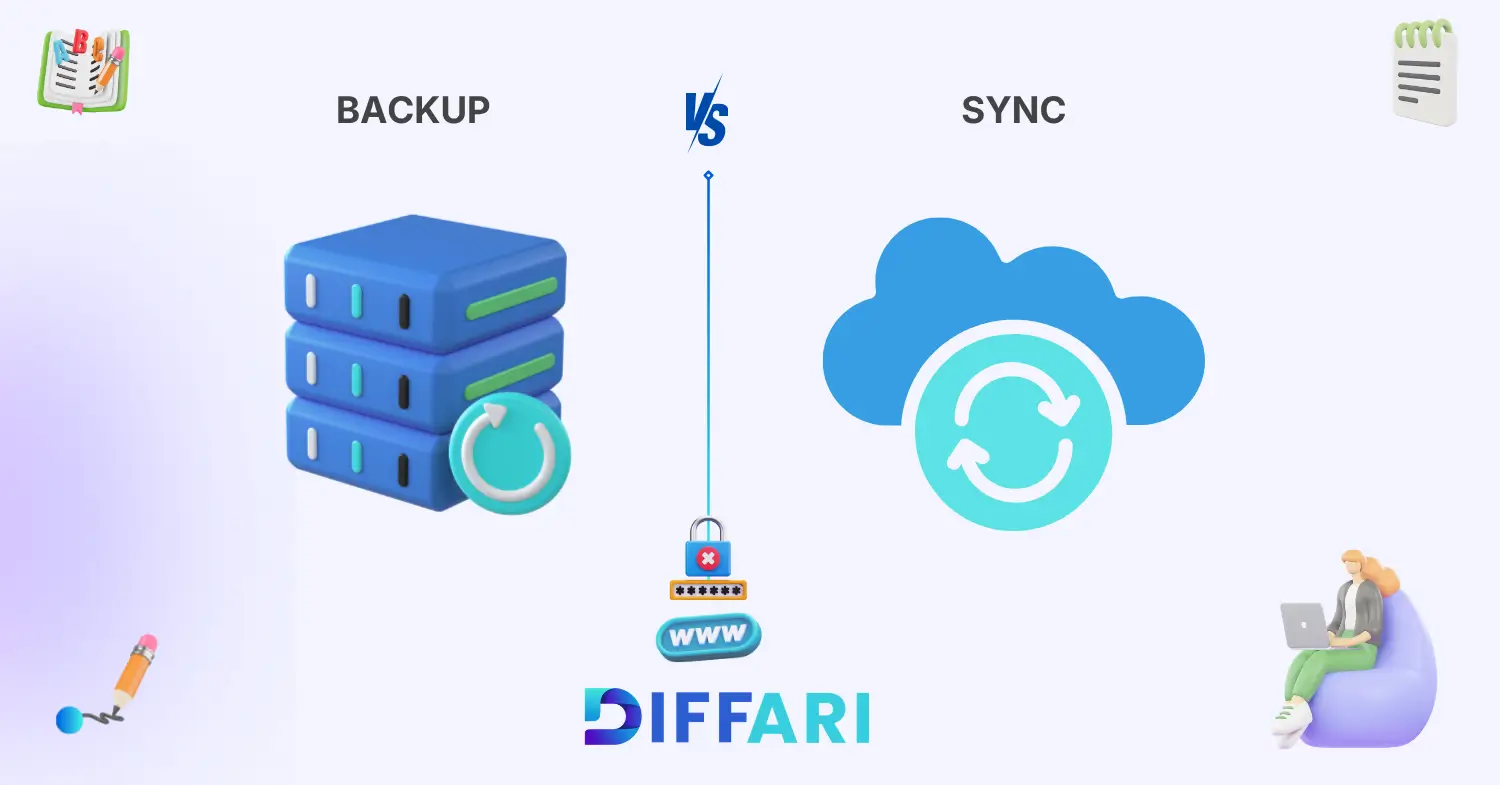

Difference between backup and sync often becomes clear only after something goes wrong. Imagine working on an important project, saving files on your laptop, and suddenly the device crashes. You open your cloud folder expecting recovery, but everything is gone. That moment shows why understanding the difference between backup and sync really matters.
Difference between backup and sync is a common topic in modern technology and data storage. Both terms relate to saving files and protecting data, but they work in different ways. Backup creates a safe copy of your data, while sync keeps files updated across devices in real time.
Many people think backup and sync are the same. They are not. Backup focuses on protection, while sync focuses on accessibility and updates. Knowing this difference helps you avoid data loss and choose the right system for your needs.
Let’s explore the key differences and understand how each system works in real-life situations.
Key Difference Between the Two
The main difference between backup and sync lies in their purpose.
Backup creates a separate copy of data to protect it from loss. It works like a safety net. Even if the original file disappears, the backup remains safe.
Sync, on the other hand, keeps files the same across multiple devices. When you update a file on one device, it updates everywhere automatically. This makes access easy and fast.
In simple words, backup protects your data, while sync keeps your data updated and connected. This basic distinction helps users decide which solution fits their daily needs.
Why Is Their Difference Necessary to Know
Understanding the difference between backup and sync is important for both learners and professionals. Technology now runs almost every part of life, from education to business and communication.
Students need this knowledge to protect assignments, research files, and digital notes. A backup ensures that important work stays safe even if a device fails. Sync helps them access files on phones, laptops, and tablets easily.
Professionals rely heavily on data security and collaboration. Backup protects company records, while sync allows team members to work on shared documents in real time. Without understanding the difference, businesses risk losing valuable data.
In society, digital safety has become essential. Knowing the difference helps individuals protect personal photos, documents, and work files. This leads us to a deeper understanding of how these terms are used and pronounced.
Pronunciation
Backup
US: /ˈbækˌʌp/
UK: /ˈbækʌp/
Sync
US: /sɪŋk/
UK: /sɪŋk/
Both words are easy to pronounce, but their meanings differ greatly in technology and data management. Now, let’s clearly define each term before comparing them in detail.
Core Definitions
Backup
Backup is the process of creating a copy of data and storing it in a separate location for safety. It protects files from loss caused by system failure, viruses, or accidental deletion. The emotional tone is security and protection.
Example:
Backup Example: The company created a daily backup of its database to prevent data loss.
Sync
Sync is the process of automatically updating files across multiple devices or platforms. It ensures that the latest version of data is available everywhere. The emotional tone is convenience and connectivity.
Example:
Sync Example: The student synced her notes with the cloud to access them on her phone and laptop.
10 Clear Differences Between Backup and Sync
1. Purpose
Backup focuses on protecting data from loss. It creates secure copies for future recovery.
Sync focuses on keeping files updated across devices.
Example for Backup: The IT team backed up the server every night.
Example for Sync: The files synced automatically to all devices.
2. Duration
Backup happens at scheduled times or manually. It is not always continuous.
Sync works continuously and updates files instantly.
Example for Backup: Weekly backup protects important records.
Example for Sync: Real-time sync updates documents instantly.
3. Focus
Backup focuses on data safety and recovery.
Sync focuses on file accessibility and sharing.
Example for Backup: Backup stores data for emergencies.
Example for Sync: Sync keeps files available everywhere.
4. Risk Level
Backup reduces the risk of data loss.
Sync can spread errors if a file is deleted or corrupted.
Example for Backup: Backup keeps an old safe version.
Example for Sync: Sync deletes files across all devices if removed.
5. Control
Backup gives users full control over stored copies.
Sync works automatically with less manual control.
Example for Backup: Users choose backup timing.
Example for Sync: Sync runs automatically in the background.
6. Formality
Backup is commonly used in technical and professional environments.
Sync is widely used in both casual and professional settings.
Example for Backup: IT departments manage backup systems.
Example for Sync: Users sync files on personal devices.
7. Context of Use
Backup is used in data security and storage management.
Sync is used in cloud storage and collaboration.
Example for Backup: Backup protects company databases.
Example for Sync: Sync helps teams collaborate online.
8. Psychological Impact
Backup gives users peace of mind and security.
Sync gives users convenience and flexibility.
Example for Backup: Backup makes users feel safe.
Example for Sync: Sync makes work easier and faster.
9. Tone
Backup sounds protective and technical.
Sync sounds modern and convenient.
Example for Backup: Backup ensures safety.
Example for Sync: Sync improves efficiency.
10. Expression Style
Backup suggests storing and saving.
Sync suggests connecting and updating.
Example for Backup: Backup saves files securely.
Example for Sync: Sync connects files across devices.
Why Knowing the Difference Matters
Students must understand the difference between backup and sync to protect their digital work. Many students rely only on sync and lose files when devices fail. Backup ensures long-term safety.
Professionals need this knowledge to manage business data effectively. Backup protects company information, while sync supports teamwork and collaboration. Using both correctly improves productivity and security.
In social and digital communication, misunderstanding these terms can lead to serious data loss. People often believe sync is enough, but without backup, recovery becomes difficult.
Real‑World Consequences of Confusion
If someone depends only on sync, deleted files disappear everywhere. Without backup, recovery becomes impossible. This can lead to loss of business records, academic work, or personal memories.
Why People Get Confused
Similar Terminology
Both words relate to saving and managing data. This creates confusion for beginners.
Semantic Overlap
Backup and sync both deal with file storage and cloud services. Their functions sometimes overlap.
Context‑Based Usage
Many cloud platforms use both backup and sync features together. This makes users think they are the same.
Influence of Informal Speech
People often say “I backed up my files” when they actually synced them. Informal language increases misunderstanding.
Connotation & Emotional Tone
Connotation = the emotional meaning associated with a word.
Backup
Positive: Security and protection
Negative: Slow or storage-heavy system
Neutral: Technical data-saving method
Example: Backup protects important files from loss.
Sync
Positive: Convenience and accessibility
Negative: Risk of spreading errors
Neutral: Automatic file updating system
Example: Sync keeps files updated across devices.
Usage in Metaphors, Similes & Idioms
Backup and sync are mostly technical terms, but they can appear in metaphoric expressions.
Backup as a safety net – means protection
Example: Backup works like a safety net for your data.
Sync like a mirror – means identical updates
Example: Files sync like a mirror across devices.
These expressions help explain technical concepts in simple language.
Comparison Table
| Feature | Backup | Sync |
|---|---|---|
| Meaning | Creates safe copy of data | Updates files across devices |
| Tone | Protective and technical | Modern and convenient |
| Usage | Data security and recovery | Cloud storage and sharing |
| Context | IT and storage systems | Personal and professional devices |
| Formality | More technical | Common in daily use |
Which Is Better in What Situation
When to Use Backup
Use backup when you want to protect important files and ensure recovery after system failure. Businesses and students should always create backups for safety.
When to Use Sync
Use sync when you want quick access to files on multiple devices. It works best for teamwork and daily file updates.
Situational Clarity
Backup is better for long-term protection, while sync is better for accessibility and collaboration.
Contextual Correctness
In real situations, using both backup and sync together provides maximum data safety and convenience.
Literary or Cultural References
Book: The Backup and Recovery Handbook (Technology, W. Curtis Preston, 2007) – explains data protection strategies.
Book: Cloud Computing Basics (Technology, Anders Lisdorf, 2021) – discusses sync and cloud storage systems.
Movie: The Social Network (USA, 2010) – highlights digital data and online systems.
Movie: Her (USA, 2013) – shows cloud and synced digital environments.
These references show how data storage and digital systems appear in modern culture.
FAQs
1. Is backup the same as sync?
No, backup and sync are not the same. Backup creates a secure copy of data for protection, while sync updates files across devices. Backup focuses on recovery, and sync focuses on accessibility. Both serve different purposes. Using both together is often the best solution.
2. Can sync replace backup?
Sync cannot fully replace backup. Sync only updates files and may delete them everywhere if removed. Backup keeps a safe copy even if the original is lost. Therefore, backup remains essential for data protection. Sync should be used along with backup.
3. Which is safer, backup or sync?
Backup is safer because it protects data from loss. Sync improves accessibility but does not guarantee protection. If a file is corrupted, sync spreads the error. Backup keeps older versions safe. So backup offers stronger security.
4. Do cloud services provide both backup and sync?
Yes, many cloud services offer both features. Platforms like Google Drive and OneDrive provide sync for accessibility and backup for safety. Users can store and update files easily. At the same time, they can recover lost data. This combination improves data management.
5. Should individuals use backup and sync together?
Yes, using both is recommended. Backup protects important files, while sync provides easy access. Together they create a secure and flexible system. Individuals can work smoothly without fear of losing data. This approach ensures safety and convenience.
Conclusion
The difference between backup and sync is simple but very important in today’s digital world. Backup protects data by creating secure copies, while sync keeps files updated across devices. Both serve different purposes and work best when used together.
Understanding this difference helps students, professionals, and everyday users manage their data safely. Backup provides peace of mind, and sync offers convenience and accessibility. When people confuse these terms, they risk losing valuable information and digital work.
In modern technology, smart data management is essential. By using backup for protection and sync for accessibility, users can create a strong and reliable digital system. Keep learning, stay informed, and always protect your data wisely 💾✨

Sajid Ali is an English language educator and content specialist with 7+ years of teaching experience. He holds master’s degrees in Information Technology and Education from the Virtual University of Pakistan and writes SEO-optimized, learner-friendly vocabulary content for diffari.com.